Preparing digital files to print so
they won't be cropped
Read our page describing how
proportions between digital camera sizes and print sizes differ and how to
size your files so they won't be cropped. There is a four page illustrated
download (I prepared for my local Costco) you can print out as a
reference. |
|
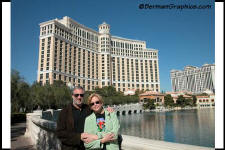
Image area is 3x4 proportion and outer canvas is 2x3 proportion
I've added white canvas (black lines)
to print a 4x6 without cropping |
Resolution
My Costco (Cranberry, PA) uses a Noritsu 3101 digital printer which is
optimized at 320PPI (pixels per inch) but all my existing digital files
have been prepared at 300PPI for the Fuji Frontier 370 printer. I've found
absolutely no difference in print quality by using my previously prepared
digital files. |
Color Calibration
All Costco stores have their digital printers calibrated on a regular
basis using profiles prepared by
Dry Creek Photo.
The web site also has a lot of good information on calibrating your
monitor. You can download the color profile for your specific Costco from
Dry Creek Photo to add to your file for more accurate color. If you're
using a Frontier or Noritsu printer that hasn't been profiled yet,
download the profile kit from Dry Creek Photo and mail in a print to be
profiled. |
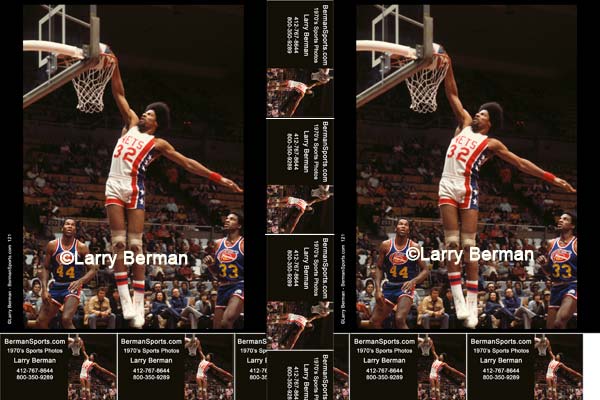
Gang Printing to Save Money
This is my favorite tip and if you're doing any volume printing you'll
immediately see the advantages. When my local Costco changed from the
10x15 inch capable Frontier 370 to the 12x18 inch capable Noritsu 3101 I
immediately saw the "light" so to speak. Not only is the larger 12x18
print size priced at $2.99 like the 10x15 was, but now you can do multiple
8x10s on a 12x18 to save money. 50 cents saving per 8x10 to be exact.
Taking that one step further, I can get seven color business cards out of
the trim area and never have to pay for business cards again. |